Bringing a story trail to your park: what's involved
For forests, country parks, estates and attractions: how a Clever Trails story trail comes together, what your team looks after, and what families see.
On this page
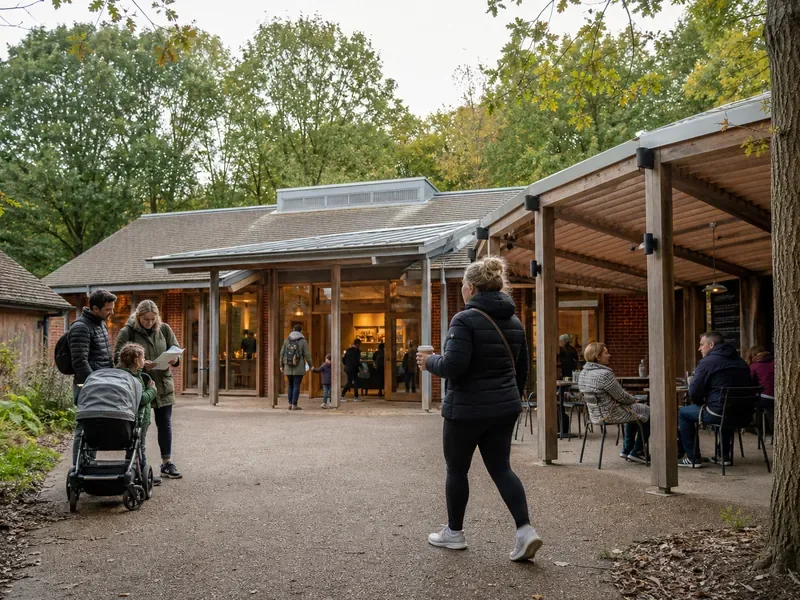
If you look after a woodland, country park, estate or visitor attraction, you'll know how much difference a good family trail makes. It gives families a reason to visit, a reason to stay longer, and a reason to come back.
This post walks through how a Clever Trails story trail comes together, from the first conversation to the day families start walking it. It's written for site managers, rangers, visitor experience teams and anyone else wondering what's involved.
What families get
A Clever Trails trail is an audio story. Children follow a narrated adventure from stop to stop around your site. At each stop there's a character to meet, a challenge to complete and a badge to collect. A little challenge for younger children and a harder one for older ones means brothers and sisters can play together.
Grown-ups don't need to read anything out or keep everyone entertained. The story does that. In our experience, that's what makes a trail feel like a day out rather than a chore.
How it comes together
1. A conversation
It starts with a call. We'll want to hear about your site, the families who visit, the paths they already use and anything you'd love the trail to show off. There's a short form on the for parks page to get things going.
2. Planning the stops
We plot the stops on a map with you, around paths families already use. Most stories have six stops. We'll think about distance, terrain, step-free access and somewhere sensible to finish, ideally near the café or car park.
3. The story
You can choose a story from our library or have one written for your site. A story written for you can use your landmarks, wildlife and history, so the trail feels like it belongs there.
Every line is voiced, with a narrator and a cast of characters. You read the script and hear the narration before anything goes live.
4. Choosing how stops unlock
Each trail picks how its chapters unlock, and you can change it later:
- By walking. Chapters unlock as families walk. Nothing to install, and ready in days.
- On arrival. Each stop unlocks when families reach its spot on the map.
- With a tap. A small weatherproof plaque at each stop, with an NFC chip and a printed code. Families tap their phone on it or scan the code. It's the most magical option, and great for photos.
A plaque trail can also fall back to location unlocking if a plaque goes missing.
5. Going live
Plaques go up if you're using them, your trail appears in the app and on the website with your facilities and access information, and families can find you.
What your team looks after
Once a trail is open, your team runs it from Clever Trails Studio, our web dashboard. There's no app to update and no developer needed. You can:
- Move stops on a map and update notes and facilities.
- See how it's going: how many families started, how far they got and which stops they enjoyed.
- Keep an eye on plaques. Studio shows when each plaque was last scanned, so quiet ones stand out. Mark one missing and that stop switches to unlocking by walking until it's replaced.
- Read reviews first. Families can leave stars after the last stop. You choose which to publish and can reply in public.
- Share it. Make short promo videos, social posts and blog articles about your trail.
You can add as many staff accounts as you need, with roles that limit who can publish changes.
Common questions
Do families need signal? No. Stories download before families set off, plaque taps work offline, and location unlocking uses GPS, which doesn't need data.
Is it suitable for buggies and wheelchairs? That depends on your paths. Each trail page lists terrain, step-free access and facilities so families can plan before they visit.
Can it change with the seasons? Yes. Stops, notes and facilities can be updated from Studio at any time.
Interested?
If you'd like to talk about a trail at your site, head to Clever Trails for parks and send us a few details. We'll reply by email to arrange a call. You can also see how trails look to families on the Discover page.